 |
|
| We
encourage everyone to download our demo software and give it a spin
before purchasing, that's how confident we are that you will love
our products. Our product demos are fully functional versions (with the exception being that when you play the game, you are only allowed to play the Sample Game included with the demo). Using the demo, you can test all the functionality of the program. If you decide that the software is for you, simply return to this website and order the unlock code or CD. |
|
 |
|
| What
our customers are saying |
|
| I have been having a great time setting it up! It is so user friendly that I can whip through the set up in no time! I am also thrilled with the options of the music, logo, etc. I think my class is going to have a great time with this and I will be able to customize it for many classes in the future! I just want to send you a GREAT BIG THANK YOU!! |
|
| shari.bolton | |
| "I tried the software last week and people loved it. Quite a deal. I had so much resistance when I came up with this idea. There were people that refused to take part, but once they were there, got totally caught up in it. It was an excellent tool for review training." | |
| freda.m.sojka@monsanto.com |
|
| "I just received my order for two of your classroom games. They are wonderful! . . . Thanks for your help and for creating software to help keep kids motivated! " | |
| toepp@mindspring.com |
|
| "We're using it in our residency training programs such as Emergency Room, Pediatrics and Internal Medicine. Congratulations on a very nice product." | |
| DrPieper@home.com |
|
| "Thanks for your excellent software and outstanding technical support!" | |
| gastrodr@hotmail.com |
|
| Buzzers |
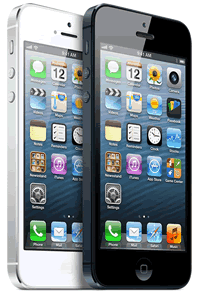

Each player has his/her own buzz-in device.
No cost (many people have smartphones and/or tablets)
No wires!
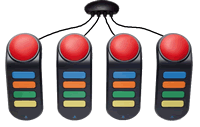
Wires.
Inexpensive ($20 - $40) .

Really Kewl ! Each player has his/her own buzz-in device.
Look Mom, no wires!
Moderate cost.
($90 - $120)
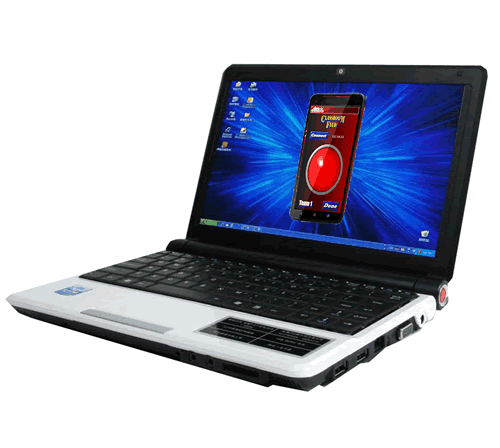
Really Kewl !
Each player has his/her own buzz-in device.
No wires!
Must have one notebook computer for each "buzzer" that you want.
This only works if your students or contestants have computers connected to the same network that the game computer is connected to.
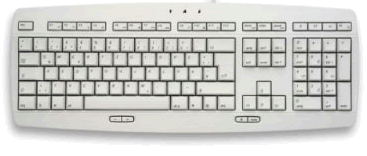
Every user has a keyboard attached to his/her computer. No additional cost.
Very reliable!
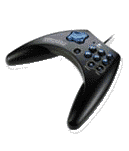
Wires.
Inexpensive. ($10 - 20 per gamepad).
USB port needed for each gamepad.
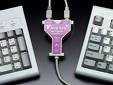
Moderate cost ($60-70 for Y-key-key).
Still may be somewhat crowded.
Wires.
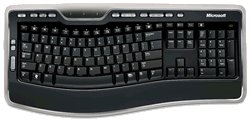
Moderate cost ($60-100 for each keyboard).
Players can 'buzz-in' for each other.
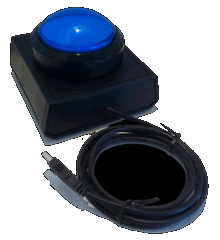
Very reliable buzz-in.
No confusion on who buzzes in.
Moderate cost ($100 for each buzzer).
Wires.
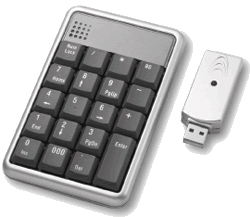
Each player has his/her own buzz-in device.
No wires!
Moderate cost. ($20 - $30 per keypad)
Numbers only. Players can 'buzz-in' for each other.

Very reliable buzz-in.
Most players will have 2 of them.
No cost.
"Who raised their hand first?"
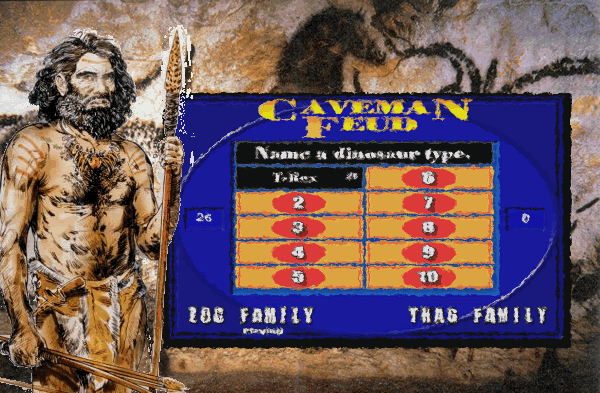
Very reliable buzz-in.
Most players have club or spear with them.
No cost.
No fire required.
Hitting club on cave wall - very loud.
Everything fine til Zog hit Thag on head with club.